
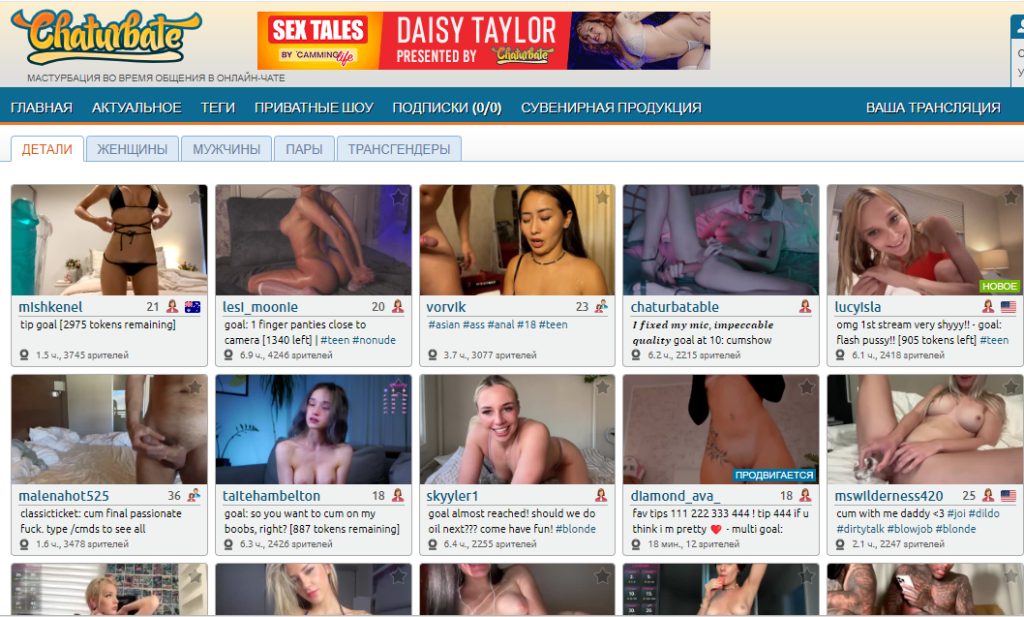
I will try to describe the process of self-registration on Chaturbate and further work, withdrawing money, and other nuances in as much detail as possible, with screenshots of each step..
To sign up as a Chaturbate model, go to Chaturbate using THIS LINK. The broadcaster registration page will open, it looks like this:
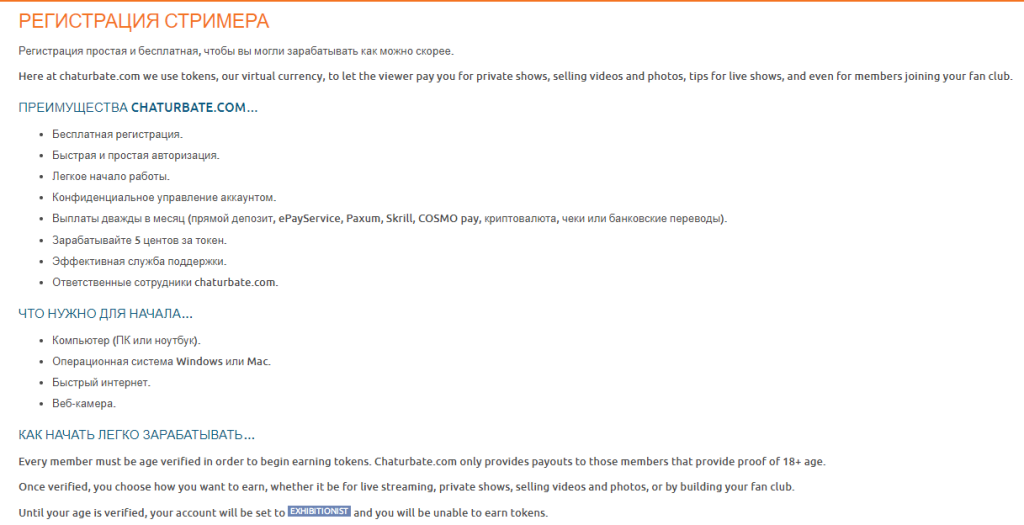
Those who are not yet aware can to read the terms of work as a web model on Chaturbate, the rest scroll further and we get to the Chaturbate account registration form:
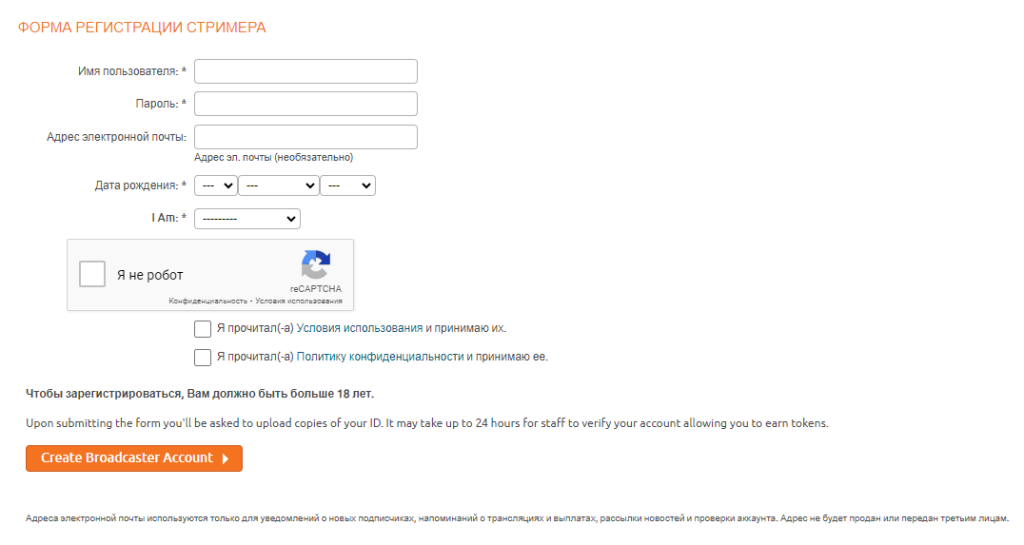
I think there shouldn’t be any difficulties at this stage. We choose a nickname (from the available ones), come up with a password, indicate our date of birth (it doesn’t have to be real, but you must be 18 or older, this date will be displayed in your profile) and the gender of the account, if we’re working in a pair, we choose a pair, etc. A couple of girls can indicate gender – female. We confirm that we have read the rules and proceed by clicking on the orange button below.
Next, we are taken to the Chaturbate model verification page:
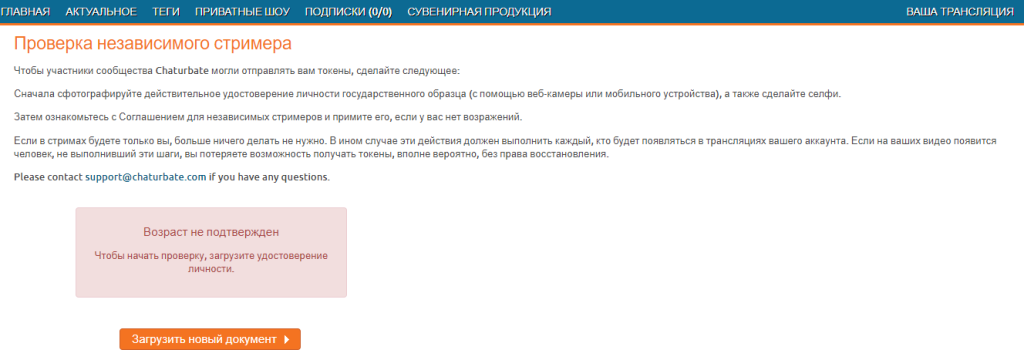
Don’t forget, as Chaturbate itself reminds, to go through the verification process for all participants in your future streams, if you plan to work alone, then only for yourself. So, click on the orange button below to go through the verification process and get to the following page:
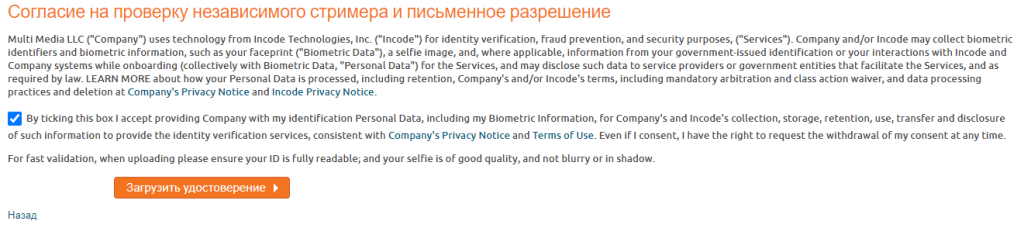
For those interested, you can read their rules and policies, and we simply check the box and click the orange button to proceed to the next stage of Chaturbate model verification:
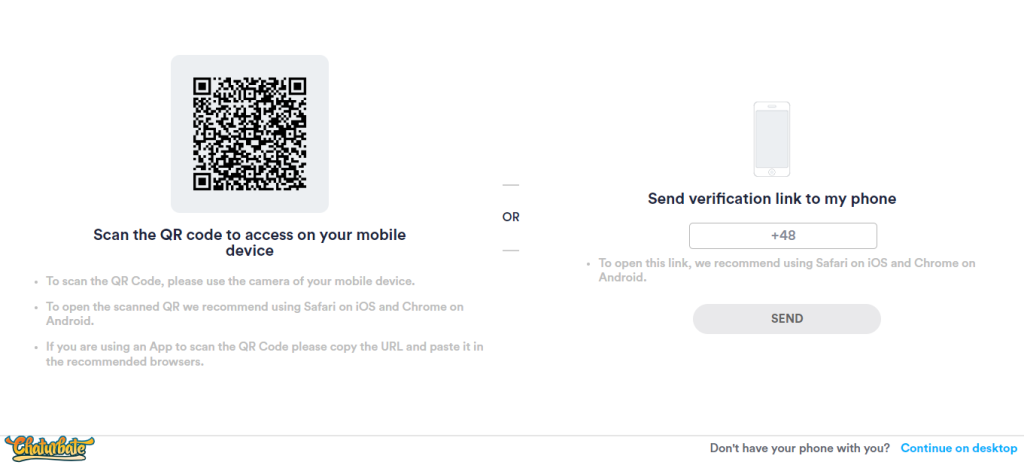
Here we are offered to continue verifying our Chaturbate web model account on a smartphone, for this you need to either scan the QR code that leads to the verification page of your account or enter your phone number and receive an SMS with a link to the verification page. But there is also an option to continue verification via PC. The verification processes themselves, regardless of the device, do not differ, except that it is faster and more convenient to do it from the phone. You can choose any method convenient for you. I will show you how to pass verification on Chaturbate using the example of a computer. To do this, on the page, the screenshot of which is located above, in the lower right corner click on “Continue on desktop“:
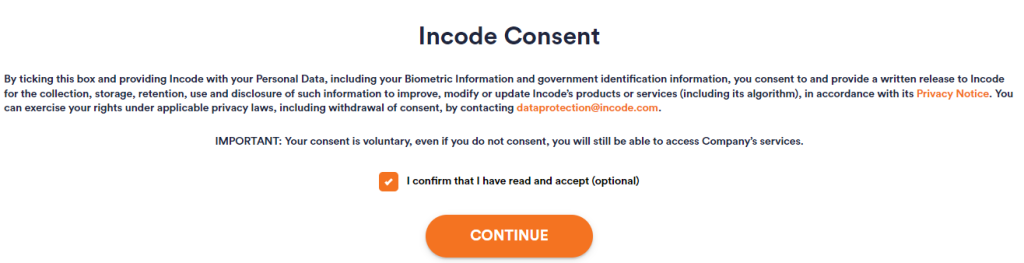
We check the box that we consent to the processing of our personal data and proceed by clicking on the orange button:
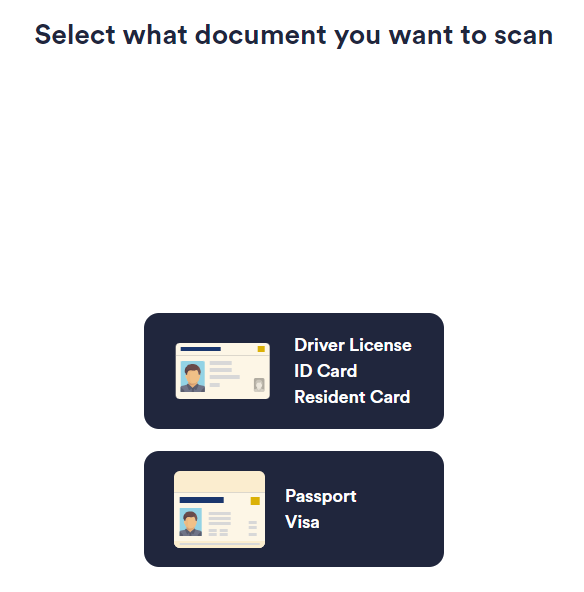
Here we need to select the type of document we want to verify the Chaturbate model with. For example, I choose a passport:
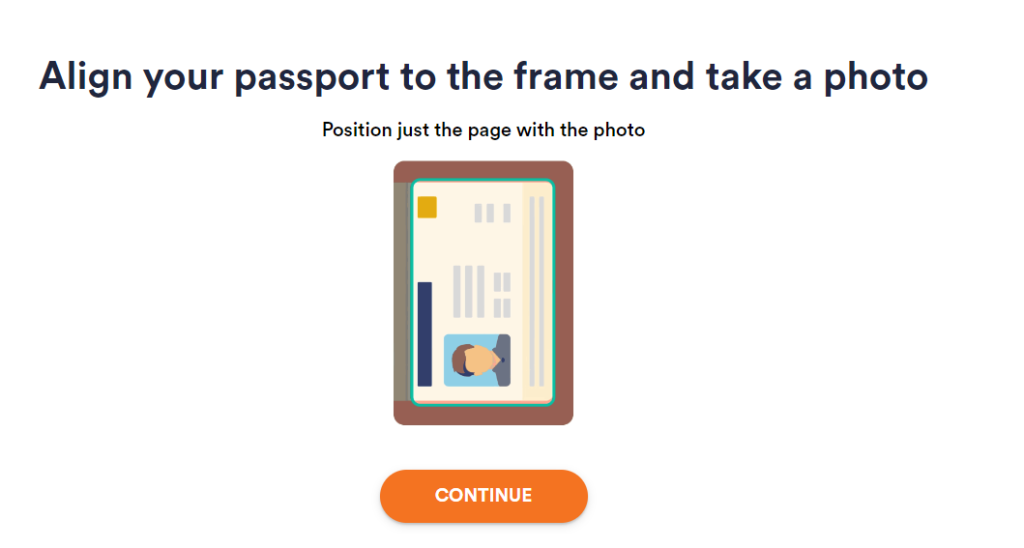
Here they show us and explain how to place our document in the frame. That is, in the case of a passport, like mine, only the page with the photo, without the cover, if you carefully read all their recommendations and follow my instructions, then there will be no problems with registering and verifying a Chaturbate account for a long time. We click the orange button and move on:
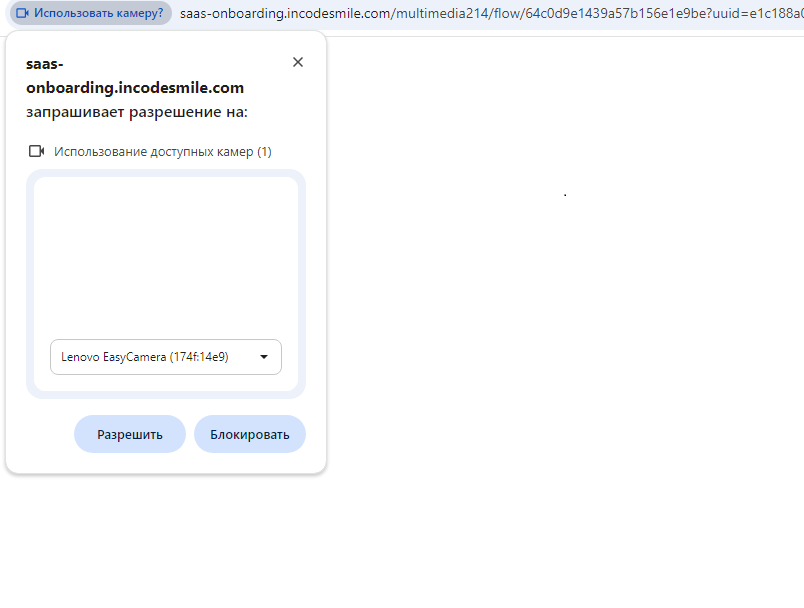
As you can see, Chaturbate itself detects our devices, all you have to do is select the appropriate camera from their list and click the “Allow” button to allow its use for your verification in the chat:
The recognition system will automatically focus and take a photo of your document as soon as it is clearly in the frame and easy to read. But if this still does not happen, you can do it manually. After a while, a button to take a photo will appear under the image from the camera:
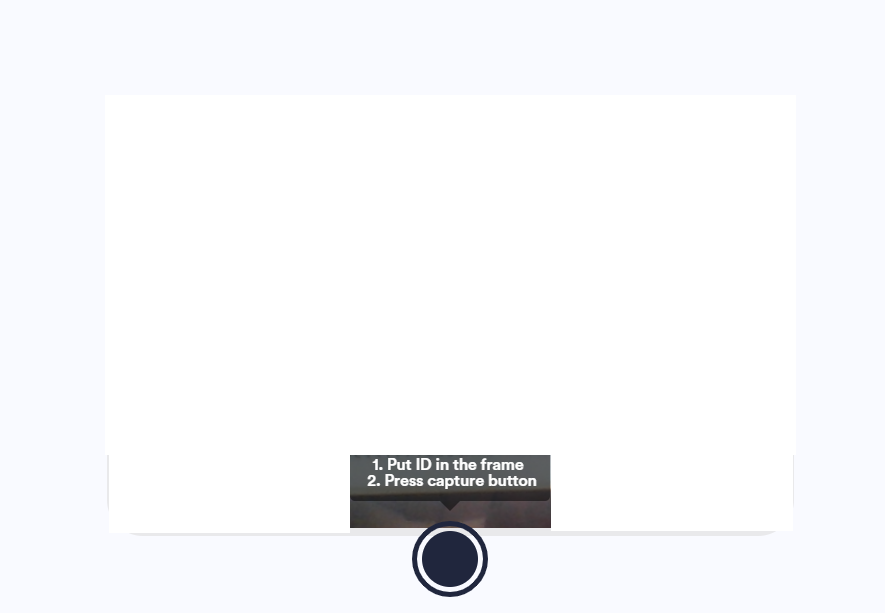
As written, place your passport or other document of your choice in the frame and click below to take a photo manually. In any case, whether Chaturbate takes the photo itself or you take it manually, you will see the following:
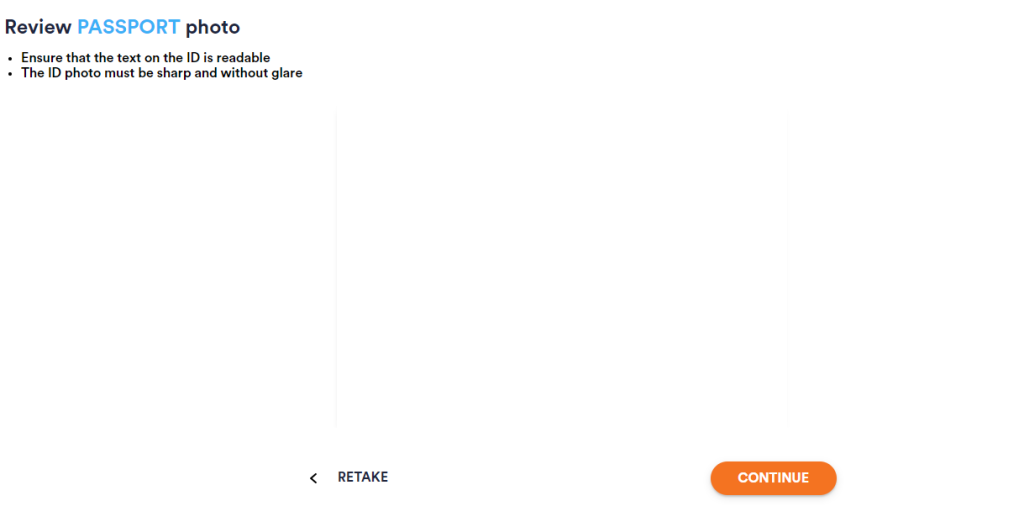
Here you can see the result of your photo, and choose to retake it or send it for verification. The requirements are written at the top. The text should be easy to read. When you have already taken a suitable photo of the required quality and decided to continue the verification process, click the orange button and see:
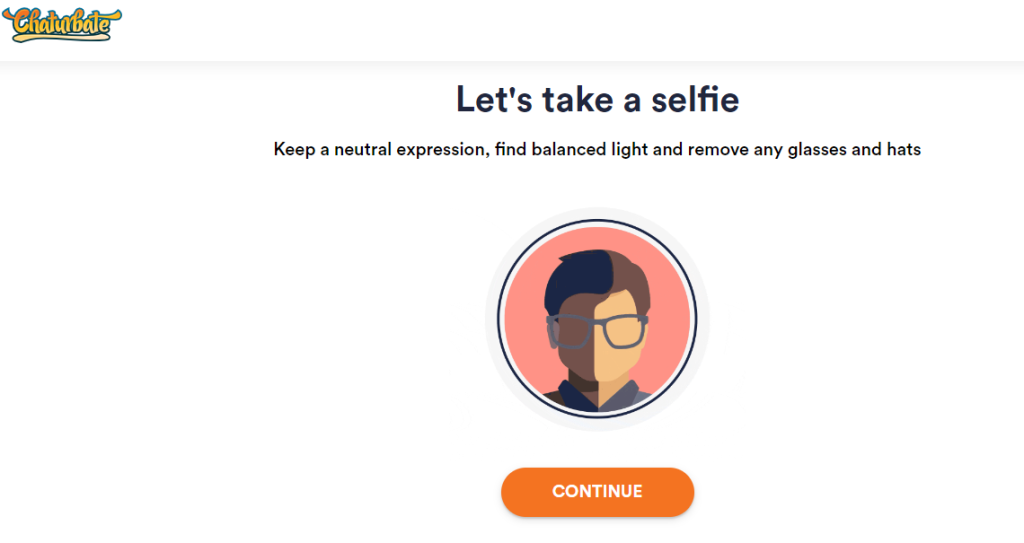
The next stage is verification by selfie. We familiarize ourselves with the requirements for a selfie (adopt a neutral position, find good light, and remove any accessories, such as glasses or hats) and proceed by pressing the orange button. Then, in the indicated dotted place, we try to insert our face until it is captured by focus and takes a photo:
After the photo is uploaded, we are redirected to the following page:
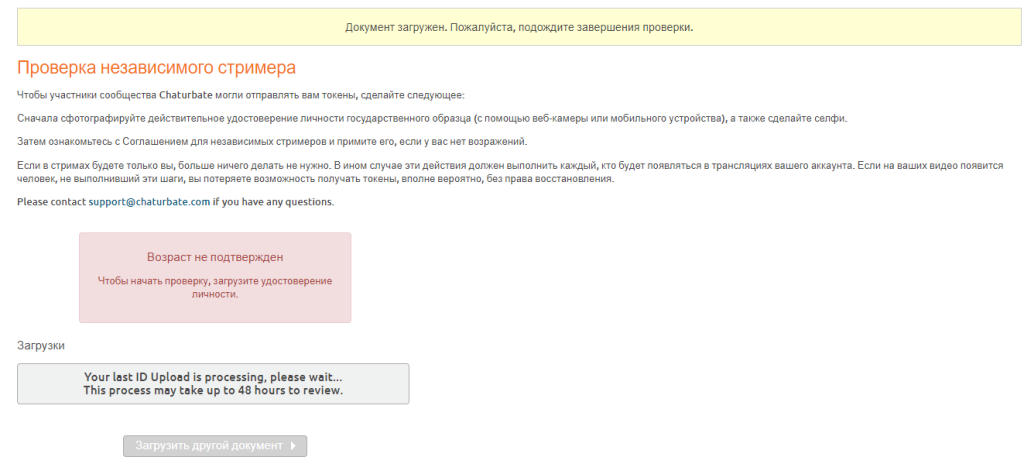
This means that we have gone through all the steps to verify our Chaturbate model account and it remains to wait for their verification. Those who plan to work as a couple or in a company can proceed to verifying other participants in your future Chaturbate shows, to do this, click the “Upload another document” button below. The rest of us, we are waiting for verification and get ready to work.
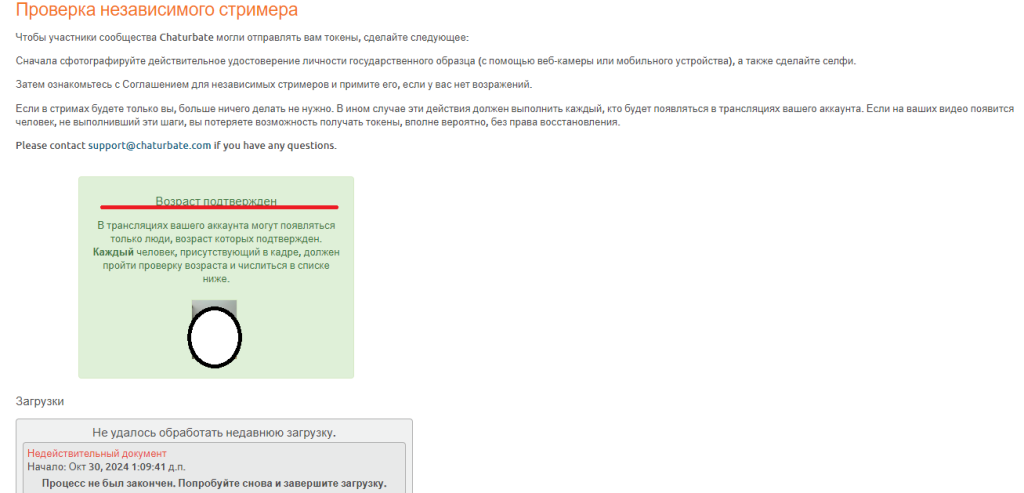
You can also decorate your room and fill out your profile while you wait for verification. Instructions on how to do this can be found on our website in the “Basics” and “Tips” sections. To return to the verification page to check your status, follow this link – Chaturbate model verification page. When you see the inscription “Age verified” it means everything worked out and you can safely start working as a Chaturbate web model for yourself. Here’s what it looks like:
That’s the entire process of Chaturbate model sign up and verifying a Chaturbate model.