Chaturbate is not standing still and is expanding its capabilities with new features, giving new opportunities for models to earn money. Now, in addition to albums with paid viewing, there is also a function to add social networks with your accounts (of course, for privacy purposes, it is better to use fake ones), and sell this information too.
To add, go to “My Profile”:
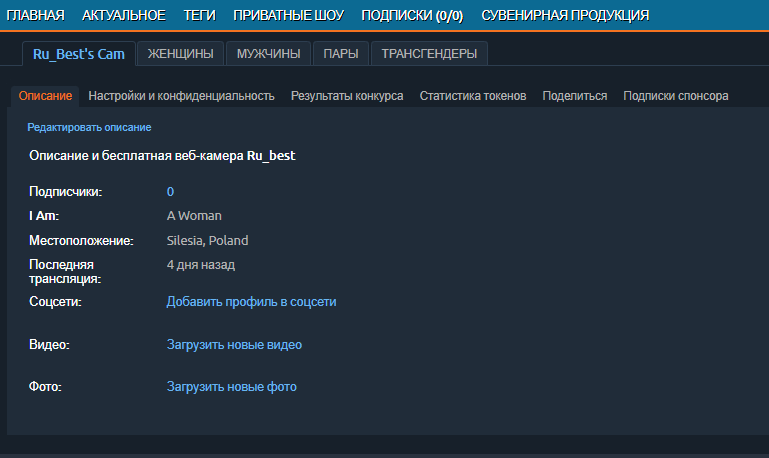
As you can see, there is nothing complicated here. Now we choose what we want to add, starting with social networks:
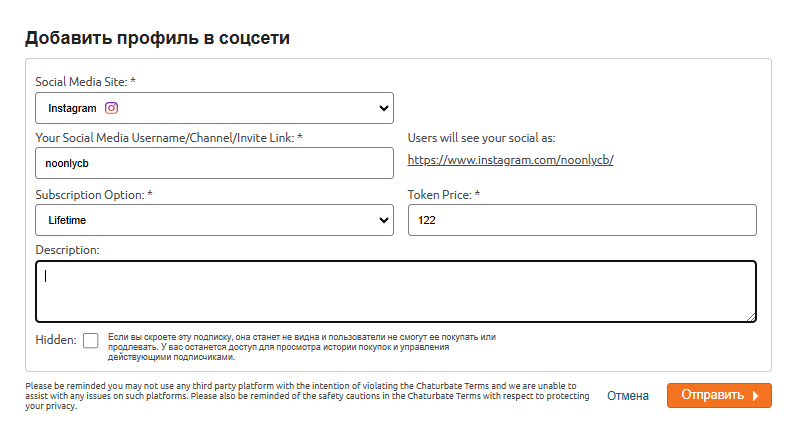
We fill in all the fields we need, as in the screenshot above, you can also add a description for buyers, and click on the orange “Send” button. That’s it, one social network has been added, we add others using the same principle.
Let’s go to the photo/video. Select what we want to add and click the appropriate button, for example, in our case, a photo:
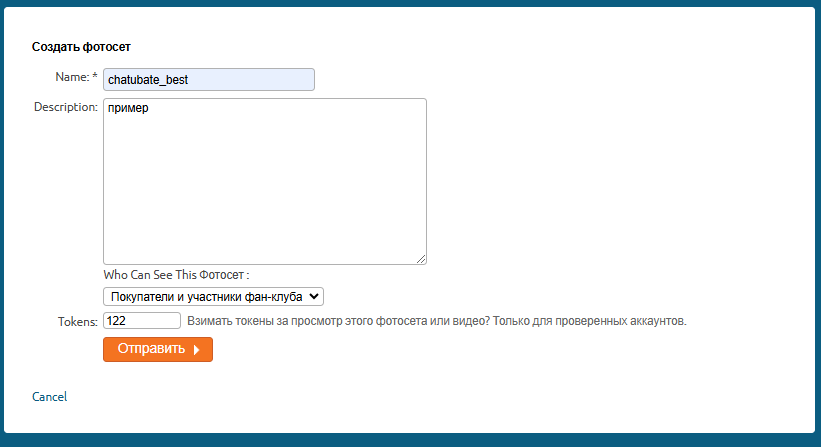
Please note that in order for this to be an album with paid viewing on Chaturbate, you need to select “Who can see this album” at the bottom instead of “everyone” or any option.
Fill in the fields and proceed by clicking “Send”:
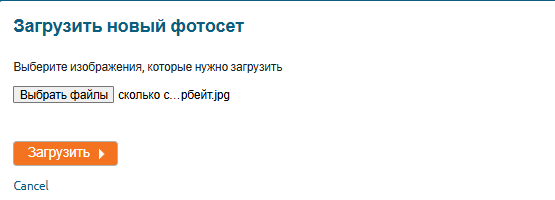
We select the photos we need and click “upload”. Now all that remains is to confirm the order of the photos in the album and send it to the moderators for review. After that, you can close the window. The same is done with the video. After the work is done, your profile will look something like this:
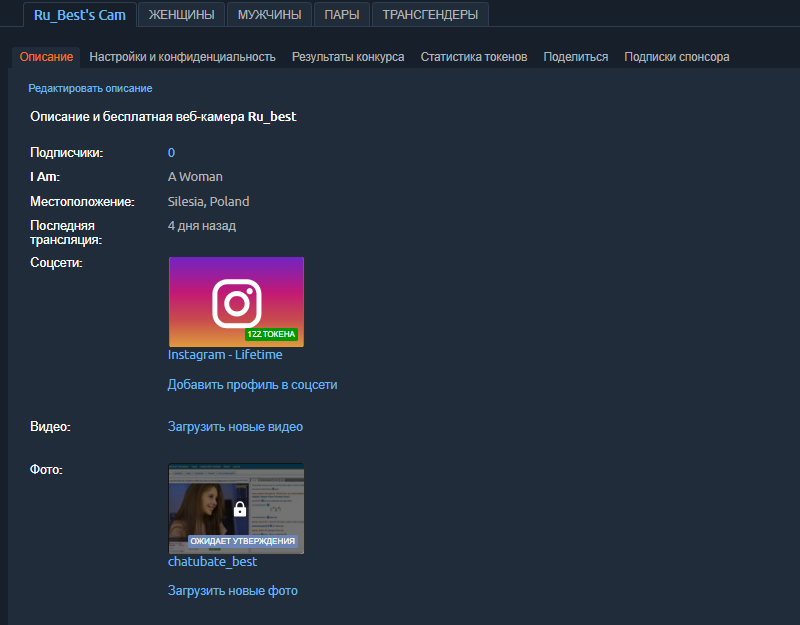
You can add as many paid-view albums as you want, but I personally recommend making at least one free.