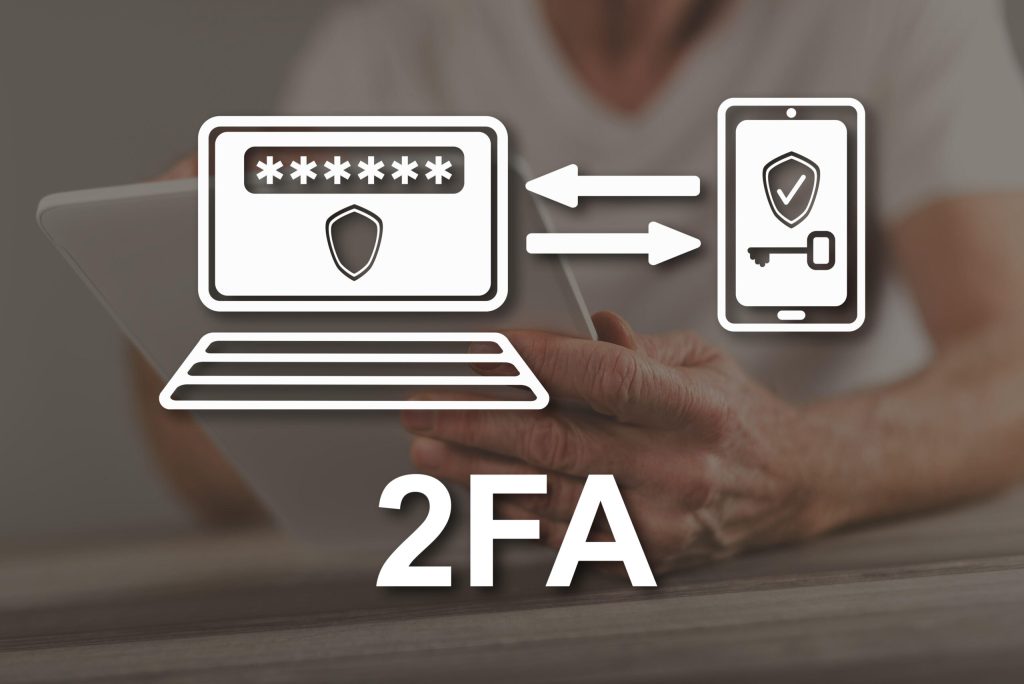
Sooner or later on Chaturbate, you will encounter a suggestion or even a requirement to enable two-factor authentication for your account, especially when trying to fill out payment information to withdraw money from your Chaturbate account. There is nothing wrong with this and it should not scare you, on the contrary, thanks to this feature, your account and your earnings are safe.
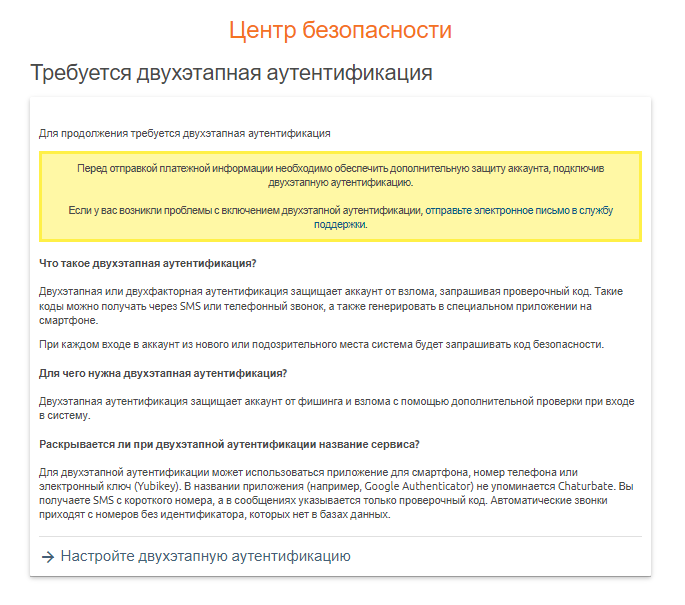
You can read what two-factor authentication is and how it works on Chaturbate in the image above.
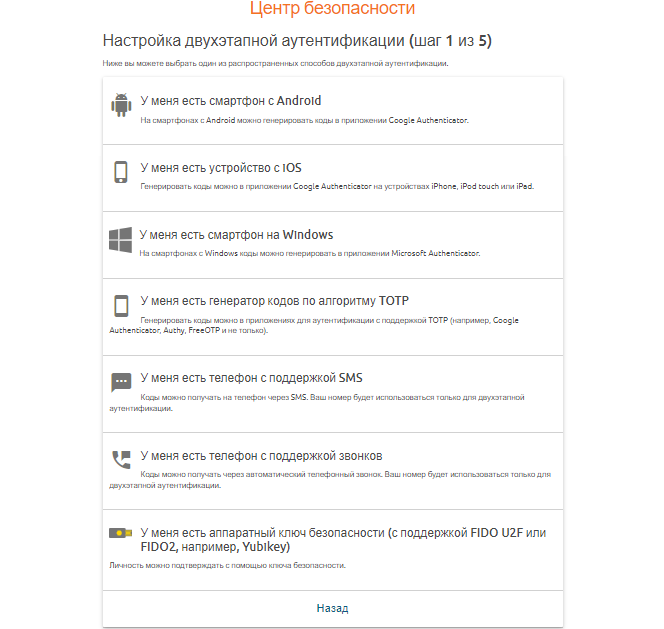
I’ll use an iPhone and the Microsoft Authenticator app as an example because I don’t use Google. You can use any two-factor authentication method that Chaturbate suggests that you’re comfortable with.
So, in my case, I download the authenticator app to my phone, log in, and follow the instructions on the website:
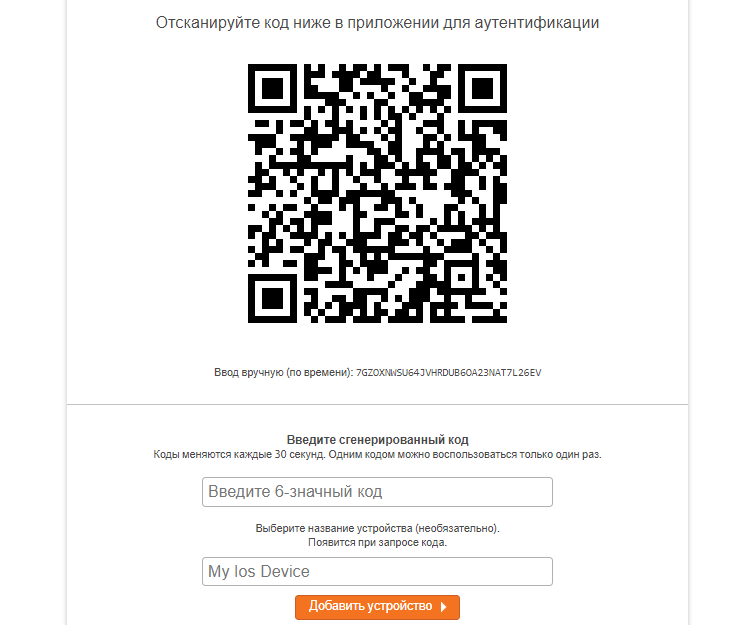
I scan the QR code that Chaturbate gives me in the app on my phone, enter the numbers that appear in the app, and name my device for convenience. Then I click “Add device”
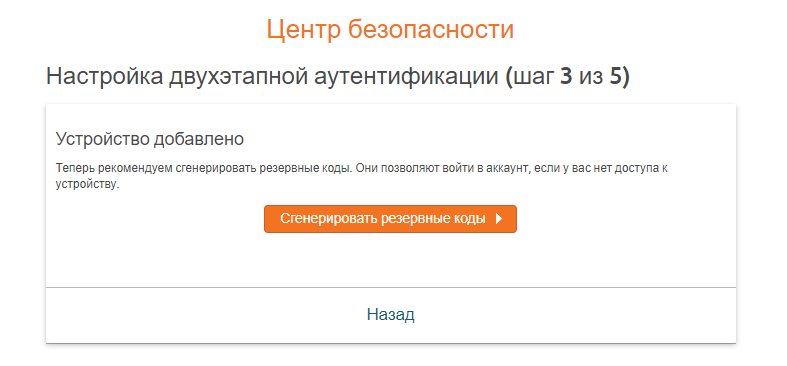
After adding a device, we offer to generate backup codes to restore access to the Chaturbate account in case the device we use for two-factor authentication is lost.
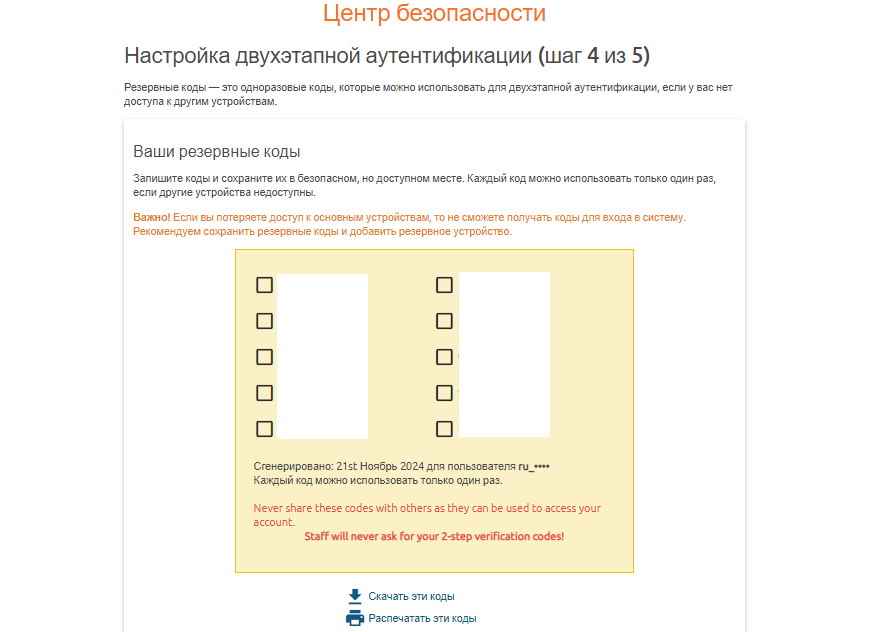
Save these codes (just don’t forget where), scroll down the page and click on the orange button “enable two-step authentication”
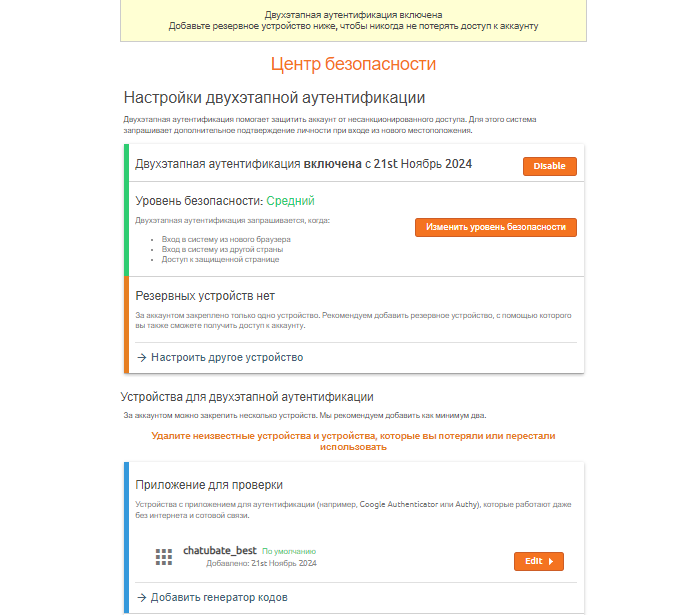
That’s basically all the settings for Chaturbate two-factor authentication. Now, just when you log into the secure section of your account, you’ll have to take out your phone and confirm that it’s really you.