In order to withdraw the money earned on Chaturbate, you need to add payment information about yourself, where the money will be paid to us. To do this, the Chaturbate model’s account must already be verified and two-factor authentication must be enabled.
In addition, you will need an already registered account in one of the systems through which you will withdraw money. At the time of writing this article (11/22/24), Chaturbate works with the following withdrawal systems:
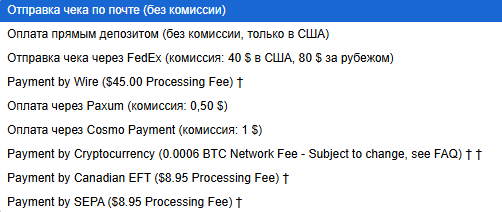
Based on experience, I will say that in the past, it was most convenient to withdraw bitcoin to a wallet, and then from there to a card. Another advantage was that bitcoin is constantly growing, and by withdrawing not the entire amount to a card, but leaving part of it in the wallet, the funds grew due to the increase in the value of bitcoin.
Now there is a very high commission for withdrawing money from Chaturbate to a Bitcoin wallet. Therefore, we choose either Paxum or Cosmo Payment. We register our wallet in the selected system and proceed to fill in the payment information on Chaturbate to attach this wallet to our Chaturbate account and receive payments.
Go to “My Profile” then “Token Statistics”
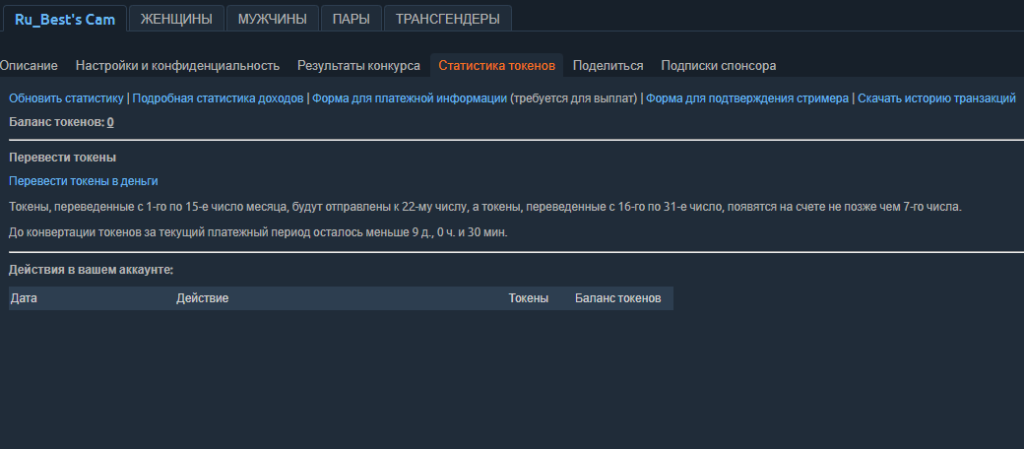
Here, in the line under “Token Statistics” select “Form for payment information“
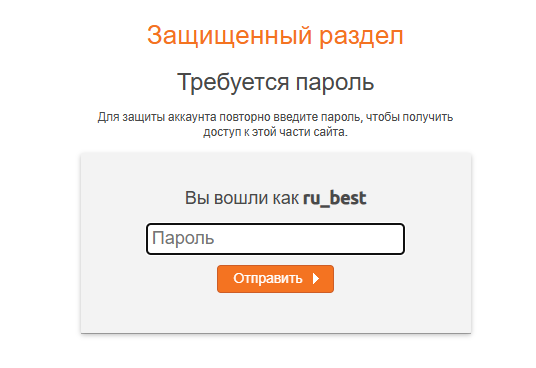
Підтверджуємо що це ми, і потрапляємо, власне, на форму платіжної інформації, яку потрібно заповнити, щоб отримувати виплати чатурбейт. We confirm that it is us, and we actually end up on the payment information form, which we need to fill out to receive Chaturbate payments.
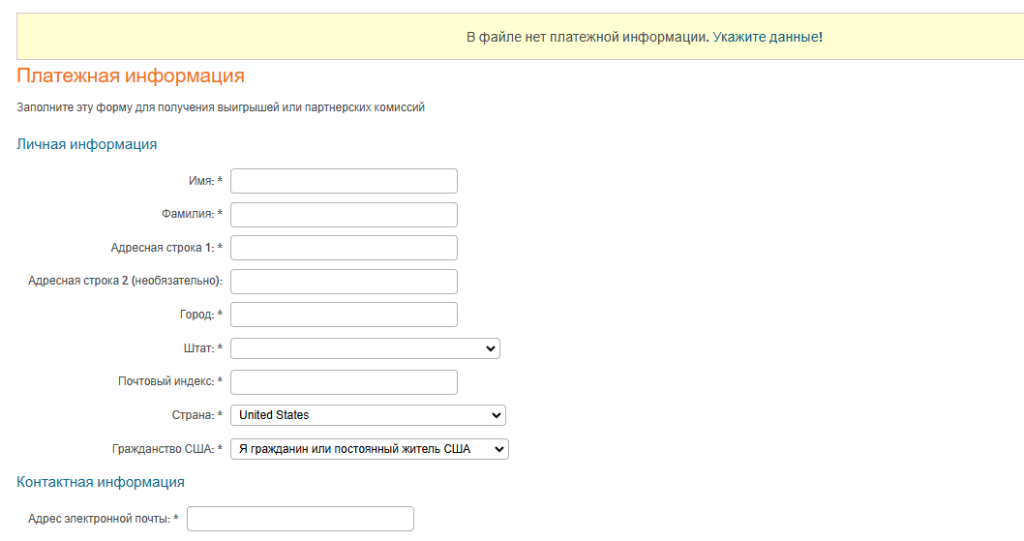
Here we fill in the following way (all in English letters):
in personal information:
first name
last name
street, house, apartment
skip
city
select “Not in USA”
zip code
country
select “I am not a citizen or permanent resident of the USA”
In the contact information, simply indicate the email address to which you want to receive notifications from Chaturbate about payments.
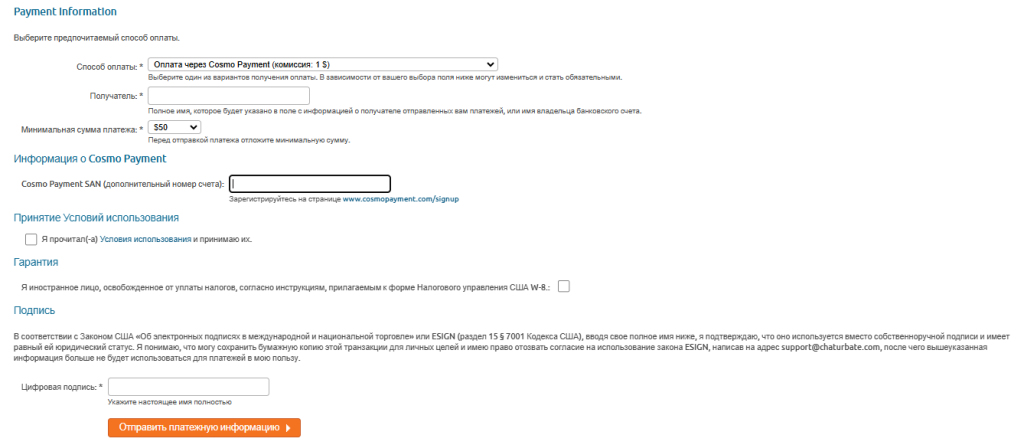
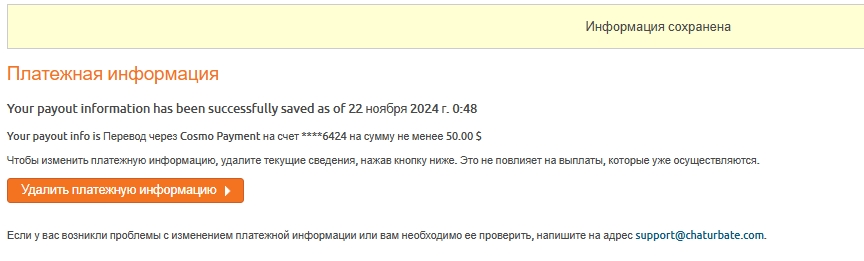
In the payment information itself, we select the system that we will use to withdraw money from Chaturbate, in our case Cosmo. In the recipient field, enter your first and last name and select the minimum amount for payment. Then go to your Cosmo account and find this SAN number, copy and paste it into the payment information on Chaturbate. Everything is similar with Paxum, so I will not describe it.
After that, check the boxes below and in the “digital signature” field, write your first and last name again. At the end, click “Send payment information” and that’s it, we have attached our account to the Chaturbate account.