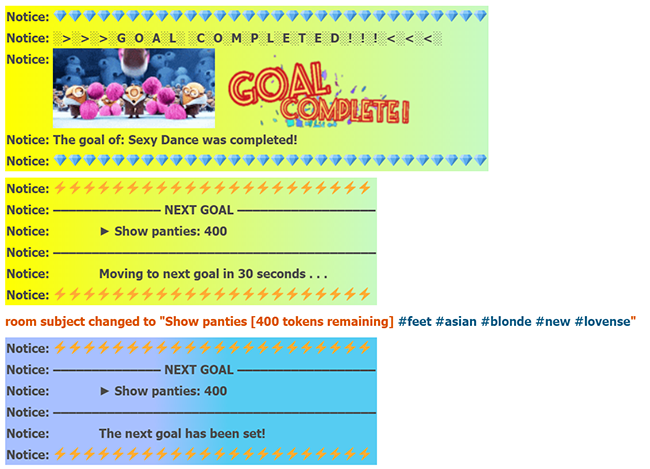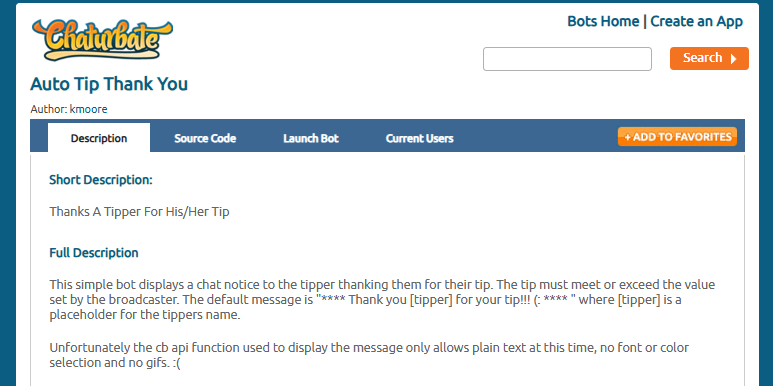
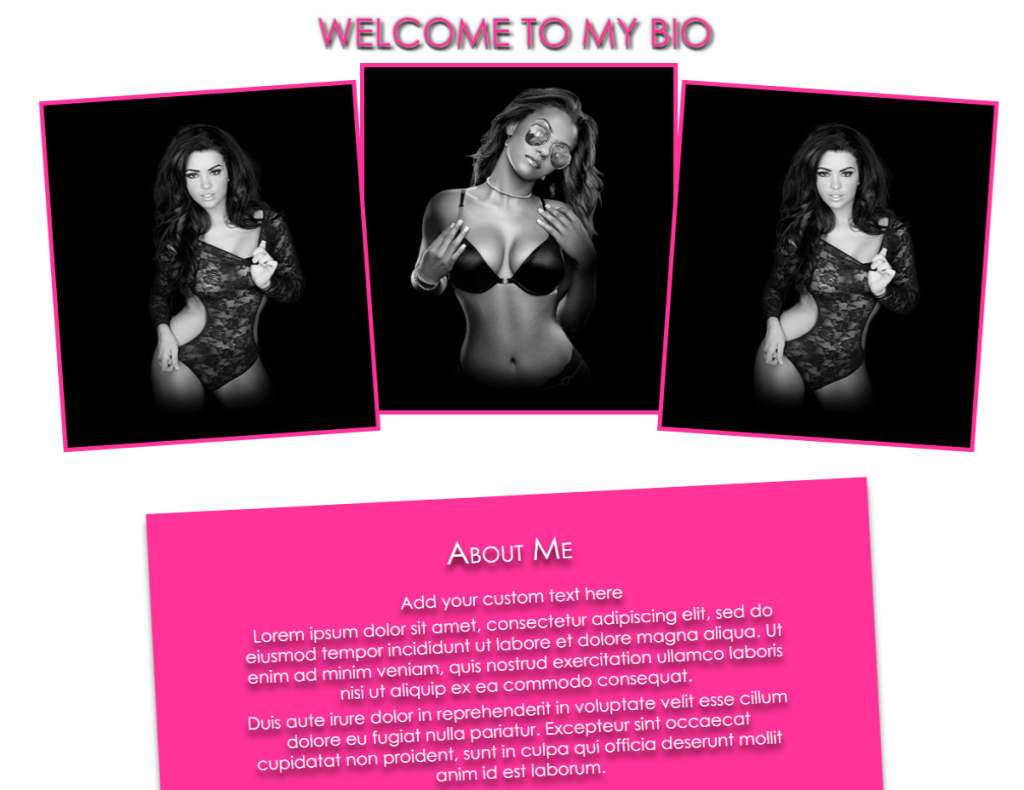
If you don’t know what we’re talking about yet, here are some examples of how you can beautifully design your Chaturbate page.
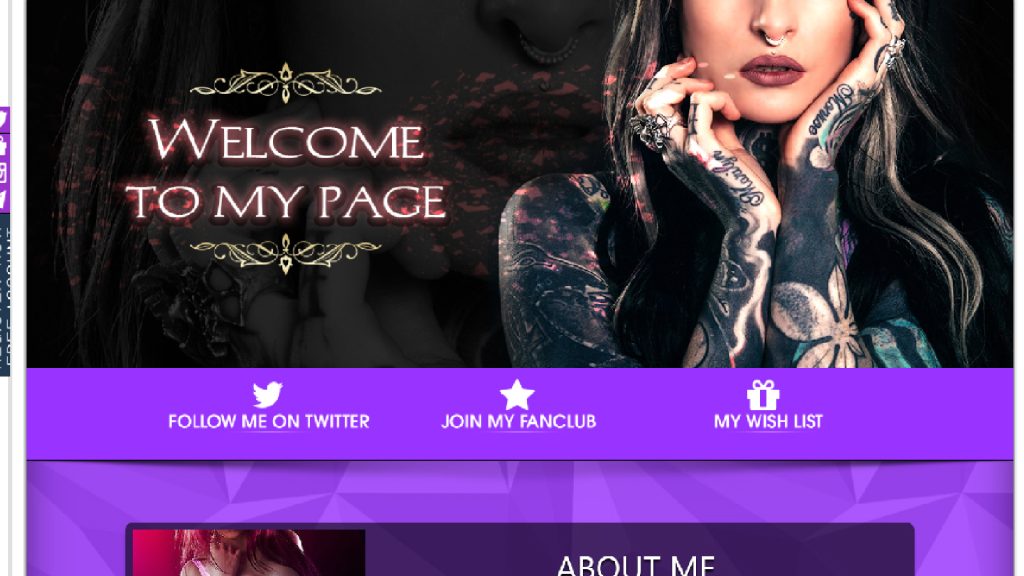
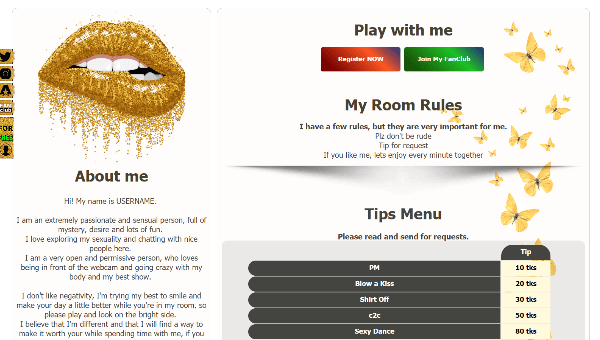
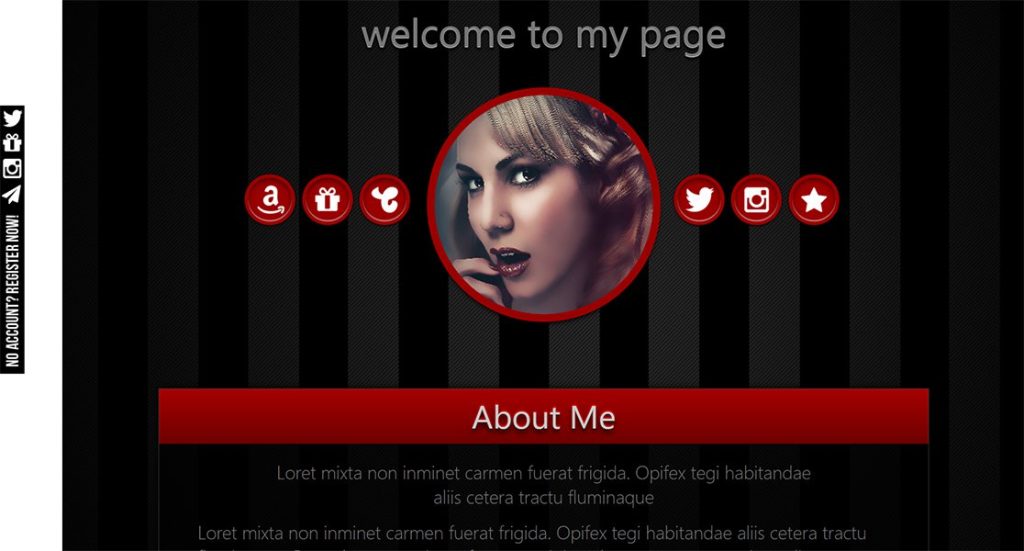
Want something similar? You’ll have to bother! First, create the image you need with a description, if you know how to do something more – you can use the same Canva to do it with bio buttons. After you have created the graphics you need, you need to place them on some hosting, you can even on Chaturbate in your free albums. It is important to have a link to your graphic document.
Now we need any HTML editor, you can use it online. Here’s an example of this one.
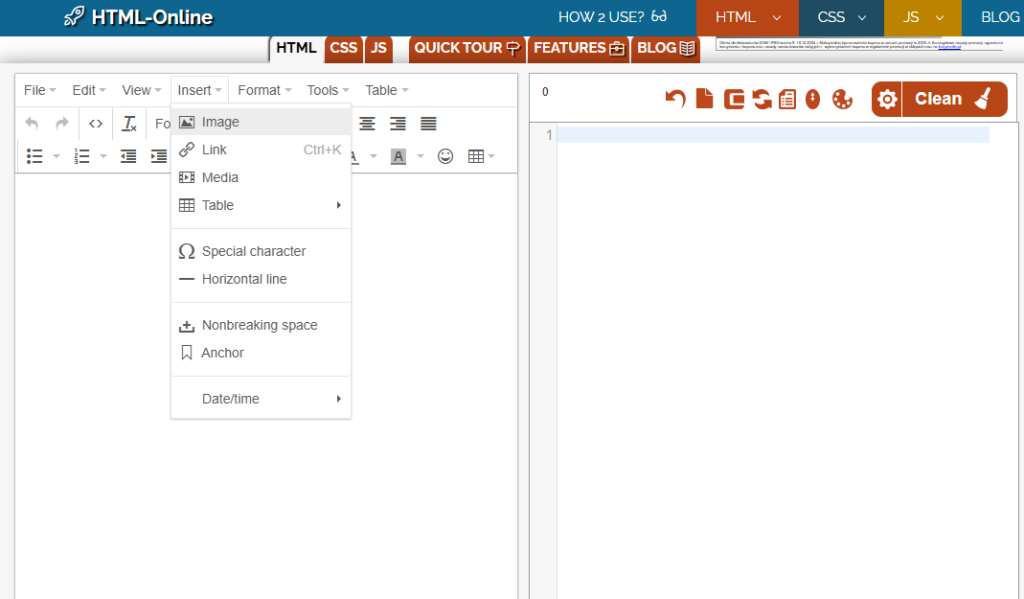
On the left it shows how it will look, on the right – the code that we will need. On the left, select insert image as in the screenshot above. There we insert the link to our image and click save. Now copy the code that appeared on the right side of the editor. Go to your Chaturbate account and edit your bio. Paste the copied code into the “About me” field.
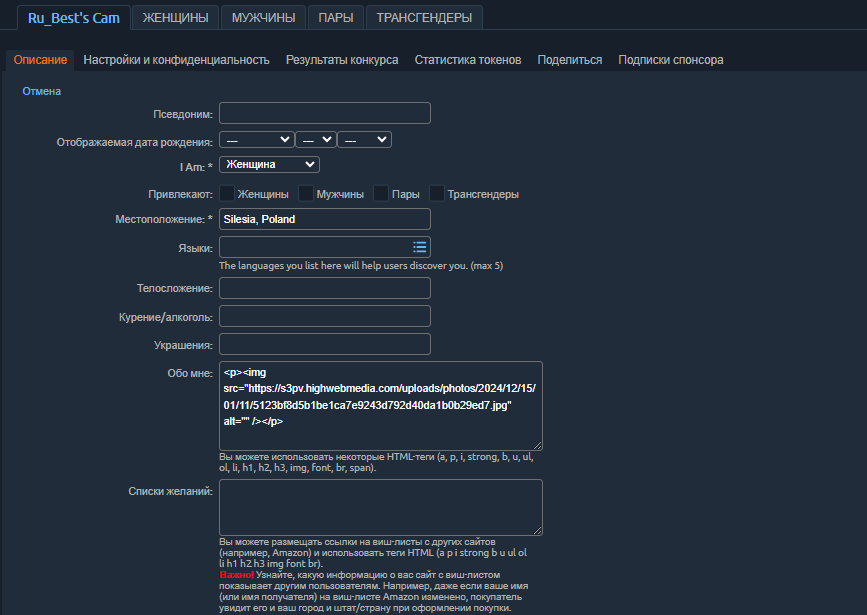
Save and enjoy.
You can also add different buttons and page backgrounds, but that’s for more advanced users. If you need help, write.